Home
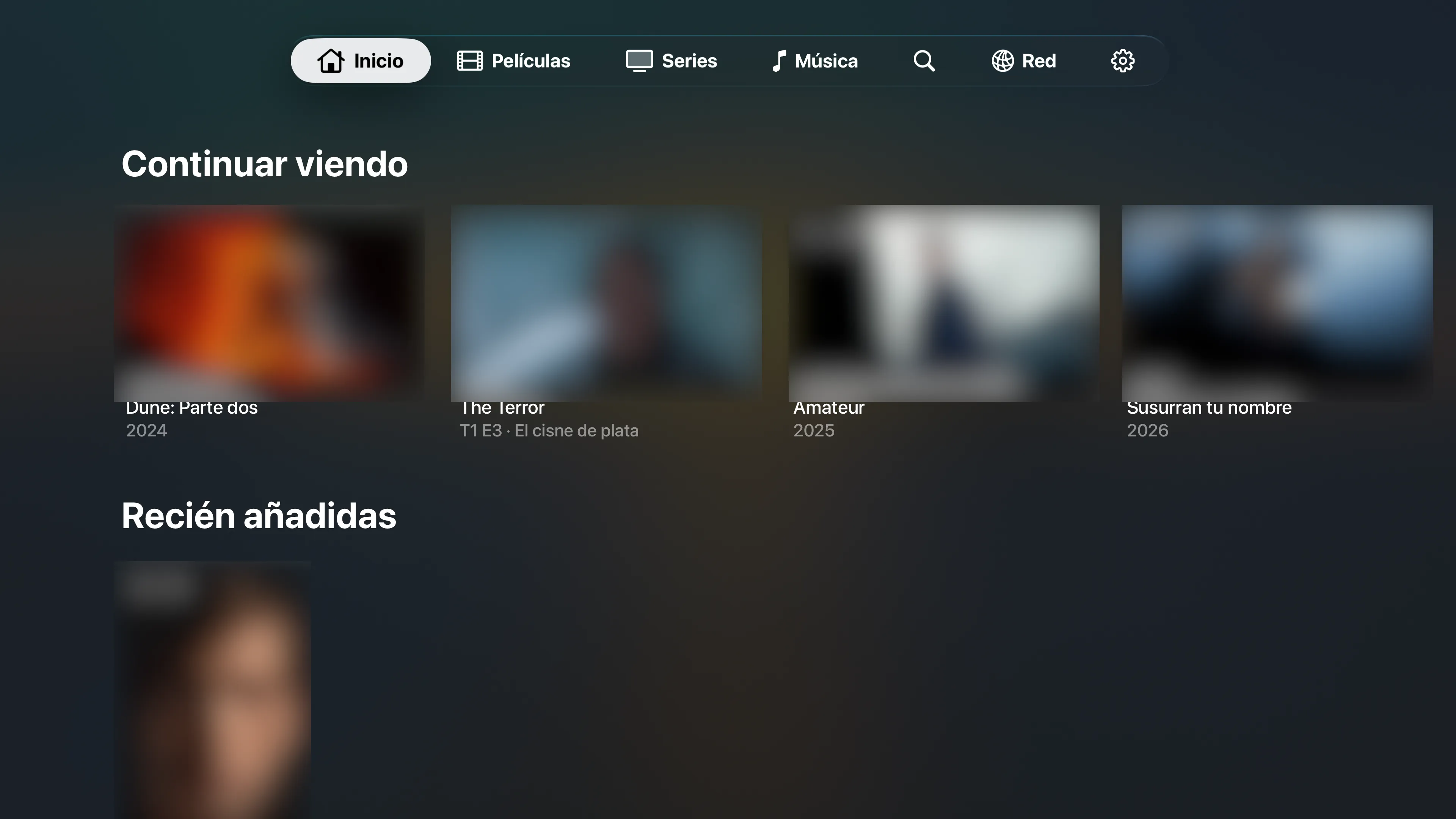
Pick up exactly where you left off.
Continue Watching shows progress on every title, with 4K, HDR and Dolby Vision badges so you know what you are about to play. Playback progress syncs back to your Jellyfin server.
01 06

A direct-play client for Jellyfin and SMB
JellyPlayer streams your own films and shows from your Jellyfin server, or straight from a NAS over SMB. 4K, HDR, high bitrate, image subtitles: the original file plays on the TV and nothing is re-encoded along the way.
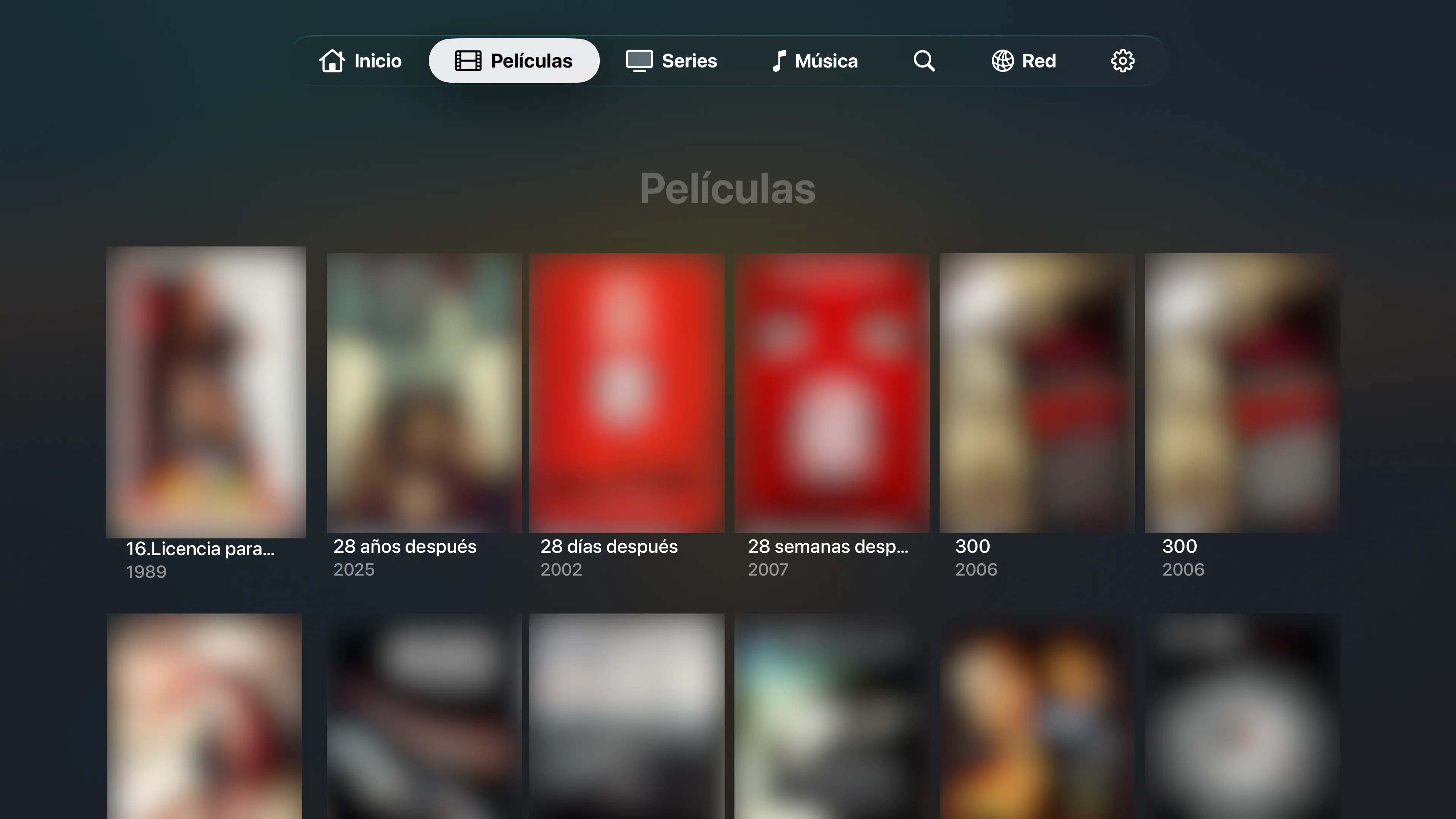
Everything is reachable with the remote: no typing URLs, no menus buried three levels deep.
Continue Watching shows progress on every title, with 4K, HDR and Dolby Vision badges so you know what you are about to play. Playback progress syncs back to your Jellyfin server.
Your server sends the file as it is and the TV decodes it with hardware acceleration. High-bitrate 4K, 10-bit HDR and multichannel audio play without the server doing any work.
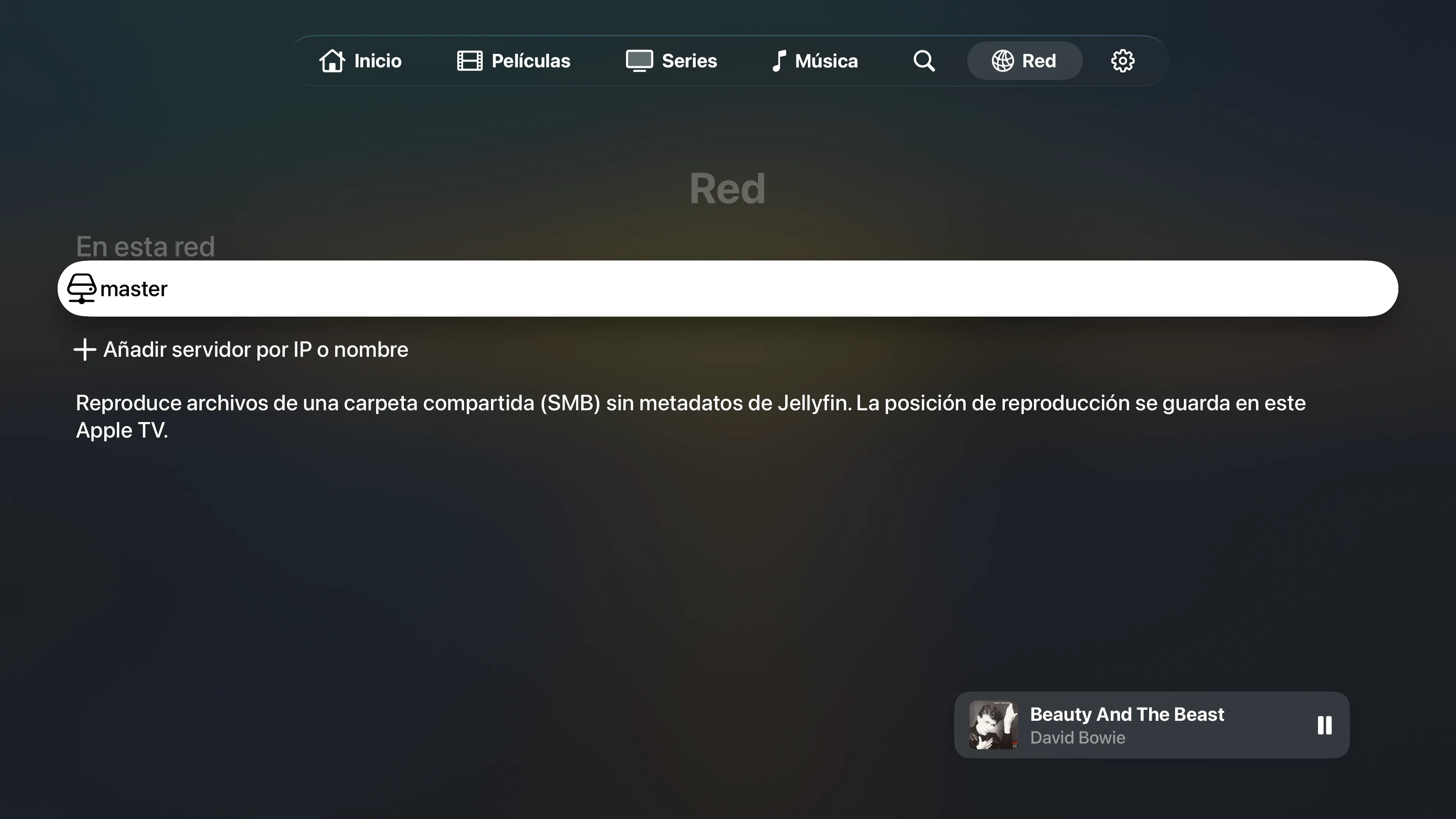
No Jellyfin server? Open the Network tab: SMB servers on your network are found automatically, or add one by IP or name. Browse folders and play a file; the position is remembered on the device.
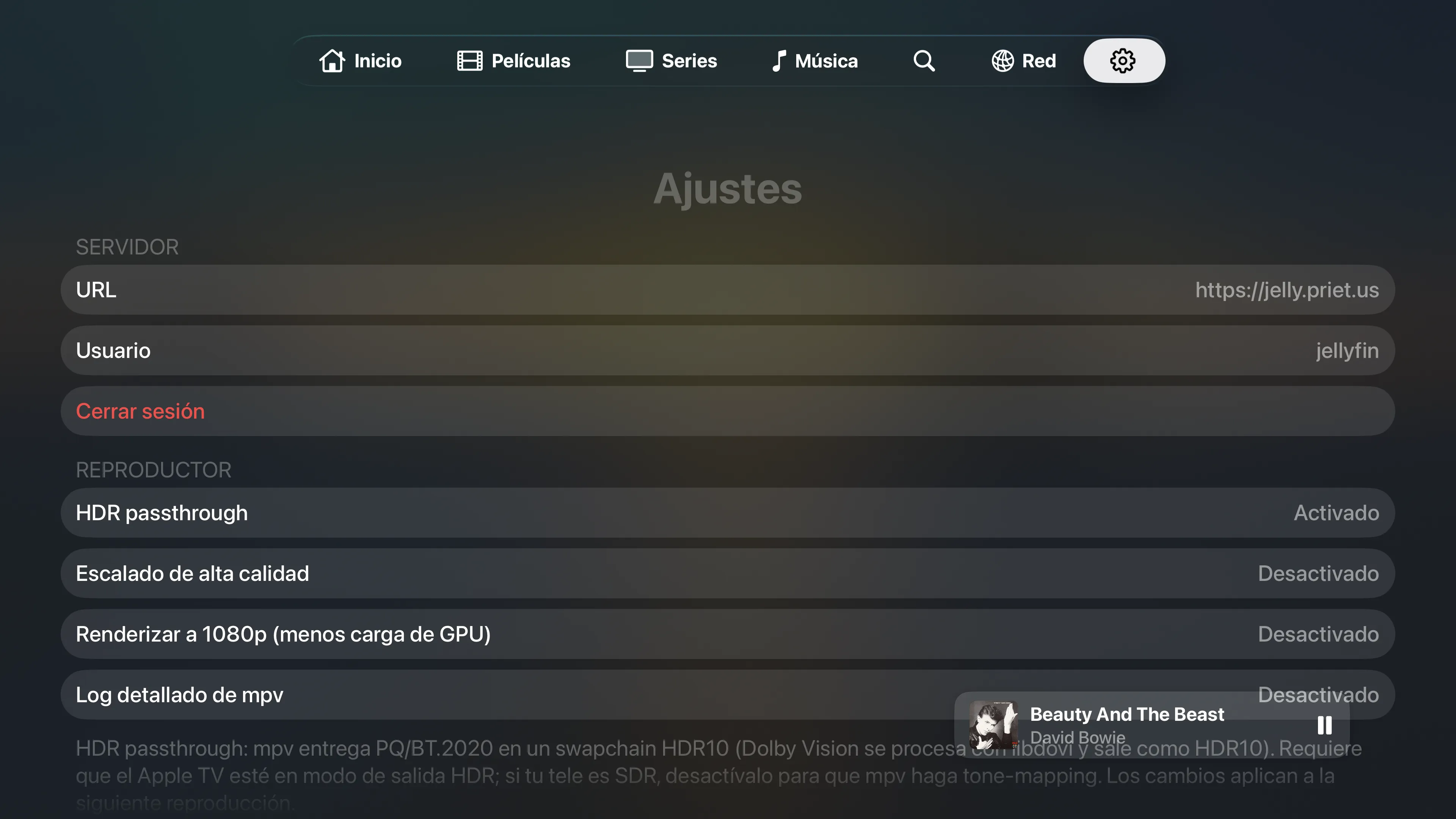
HDR10 passthrough, with Dolby Vision played as HDR10. Switch audio and subtitle tracks from the on-screen controls, image-based PGS subtitles included, and tune scaling for your TV.
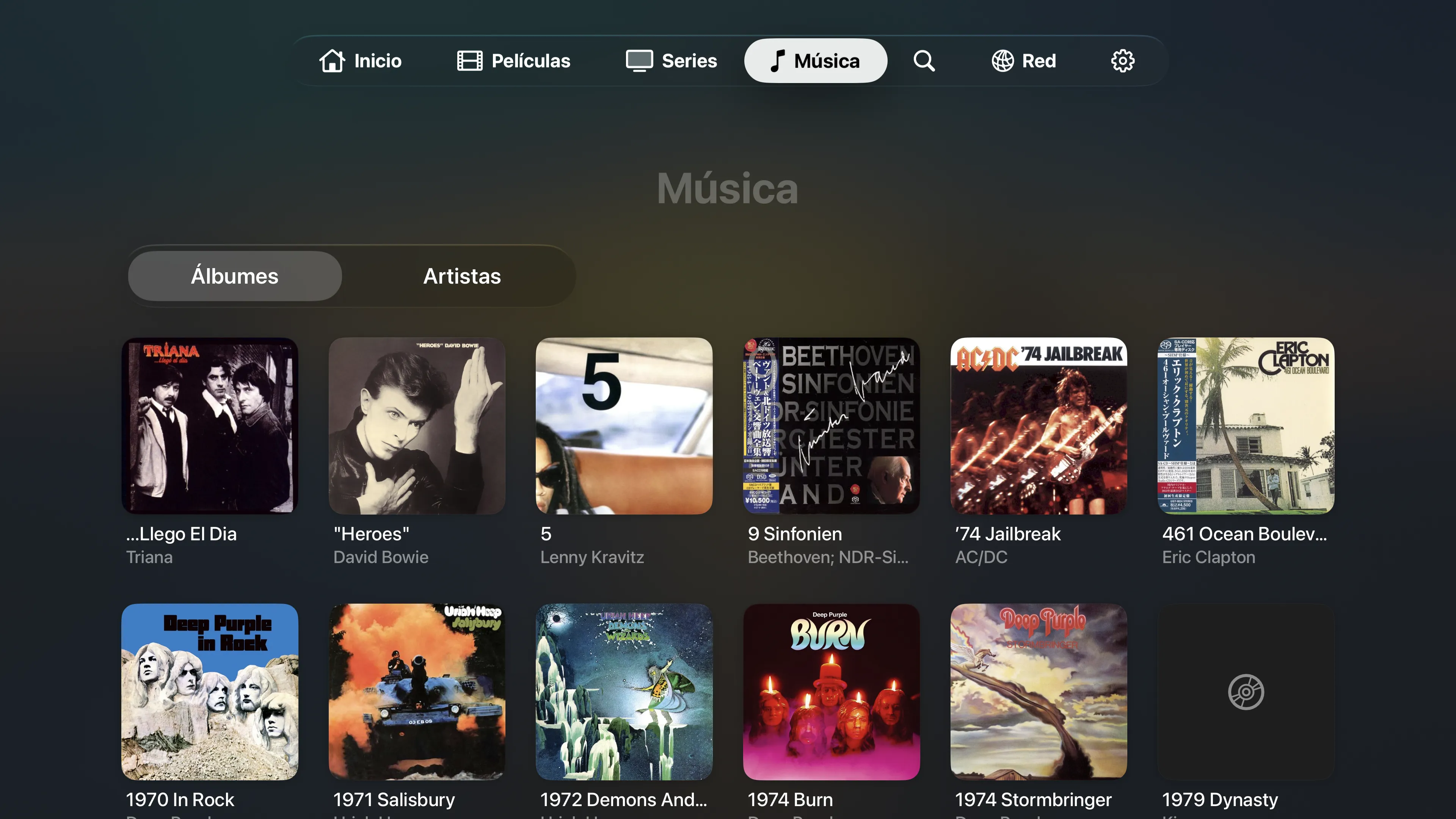
A Music tab appears when your server has an audio library: albums, artists and tracks, played gapless and kept going in the background. Coming in an upcoming update.
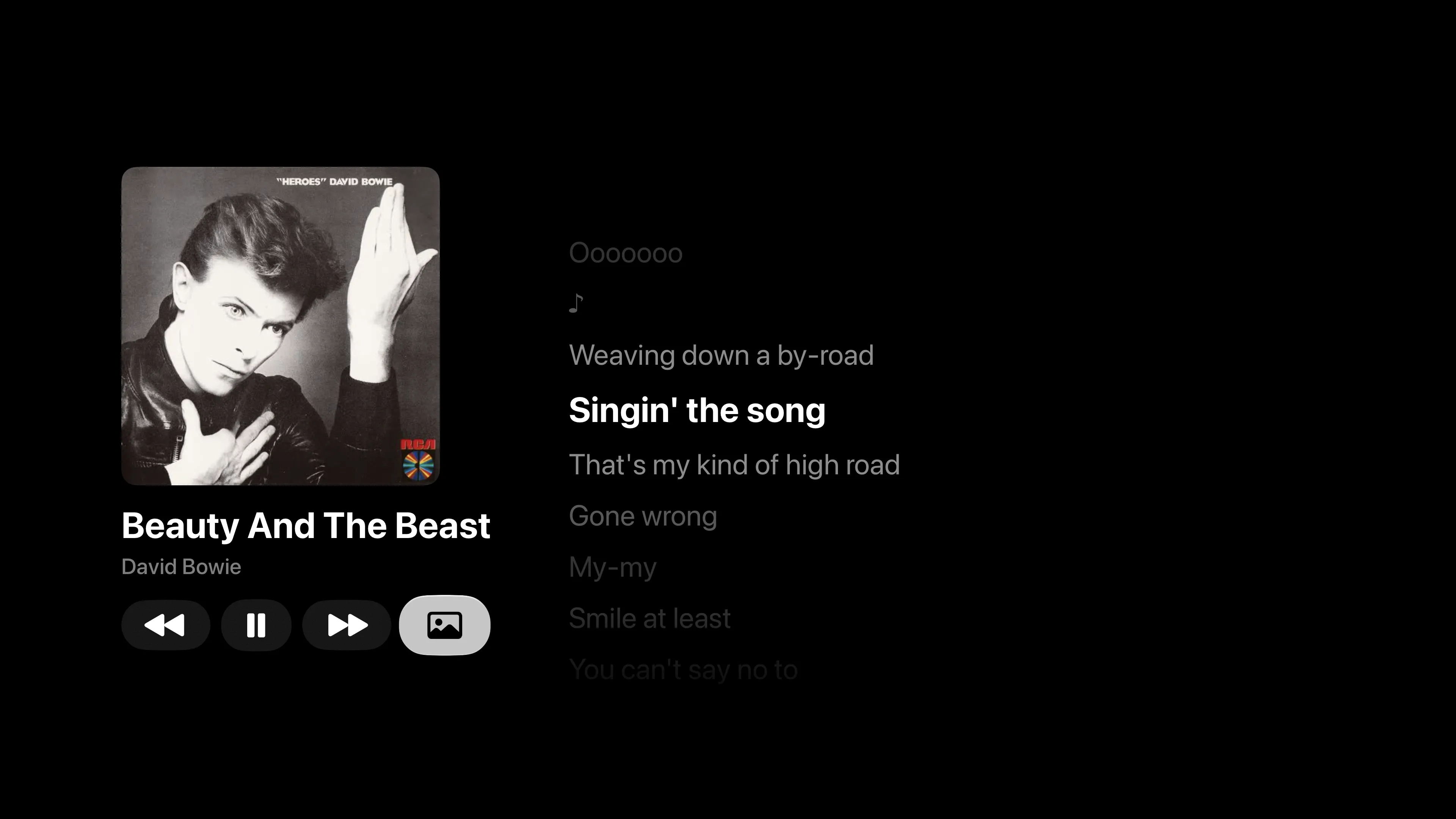
Synced lyrics from your server, or looked up online when it has none, highlight the current line as the track plays. Coming in an upcoming update.
JellyPlayer never asks your server to convert anything. It asks for the original file and plays it on the device with the mpv engine, so quality is whatever you ripped or downloaded, and a small server is enough for a big library.
Your Apple TV needs enough network speed for the file's bitrate. For very large remuxes, Ethernet is the safe choice.
For people who keep their own library and want the player to be as serious as the collection.
The original file plays on the TV. No transcoding, so there is no quality loss and almost no load on your server.
High-bitrate 4K up to 60 fps. HDR10 passes through to the TV, and Dolby Vision is played as HDR10.
Switch audio and subtitle tracks from the on-screen controls, including image-based PGS subtitles, kept legible over HDR.
Use your Jellyfin library, or open an SMB share directly. Servers on your network are found automatically.
Quick Connect sign-in, a tab bar you can reach, and Play/Pause and Menu behaving the way you expect.
Watch progress is reported to your Jellyfin server, so Continue Watching is the same on every device.
Albums, artists and tracks from your server, played gapless, in the background and from the system Now Playing. Coming soon.
Lyrics that follow the song, from your server or looked up online, with a setting to turn the online lookup off. Coming soon.
No account, no analytics, no ads. The app talks only to the Jellyfin server and SMB shares you set up.
An app for Apple TV. No subscription, no account, no tracking. It needs your own Jellyfin server or an SMB share to play from.
JellyPlayer does not include or stream any content. The support page explains how to connect a server.